Open 22 archive families
Browse ZIP, 7Z, RAR, TAR, ISO, CAB, DEB, RPM and many more. Search inside an archive and extract one item, a selection, or everything.
Open the formats Finder forgets. Create, encrypt, and split archives without sending them anywhere.
One quiet drop zone
Photos. Reports. Folders. Projects. Pack draws them into one focused workflow, then gets out of your way.
22 archive families
Open ZIP, 7Z, RAR, TAR, ISO, CAB, and sixteen more archive families. Browse what’s inside, then extract only the files you need.
Sealed on your device
Create ZIP archives free. Pack Pro adds eight advanced formats, split volumes, and AES-256 protection for new ZIP files.
Privacy is not an extra
No Pack account. No analytics. No archive uploads. Your files stay on your device, where they belong.
Read the privacy promisePack it your way
Native on macOS, iOS, and iPadOS.
One archive app. Three Apple platforms.
Pack gives Mac, iPhone, and iPad a focused place to open, inspect, create, and extract archives. It handles everyday ZIP files and specialist formats that Apple’s built-in Archive Utility and Files app do not cover, without turning a simple task into a complicated workflow.
Everything important happens locally. The free tier opens, browses, and extracts every supported format and creates ZIP archives. Pack Pro adds eight advanced creation formats, encryption, and split volumes. No Pack account is required.
Built for real archive work
Browse ZIP, 7Z, RAR, TAR, ISO, CAB, DEB, RPM and many more. Search inside an archive and extract one item, a selection, or everything.
ZIP creation is free. Pack Pro adds 7Z, TAR, TAR.GZ, TAR.BZ2, TAR.XZ, GZIP, BZIP2, and XZ creation.
On Mac, compress, extract, encrypt, or open archives from Finder. Configure double-click behavior and press Space to browse with Quick Look.
Pack Pro creates AES-256 password-protected ZIP files. Optional default and per-archive passwords are stored in Apple Keychain.
Create email-sized, FAT32-friendly, or custom archive volumes. Open one supported part later and Pack finds the complete set.
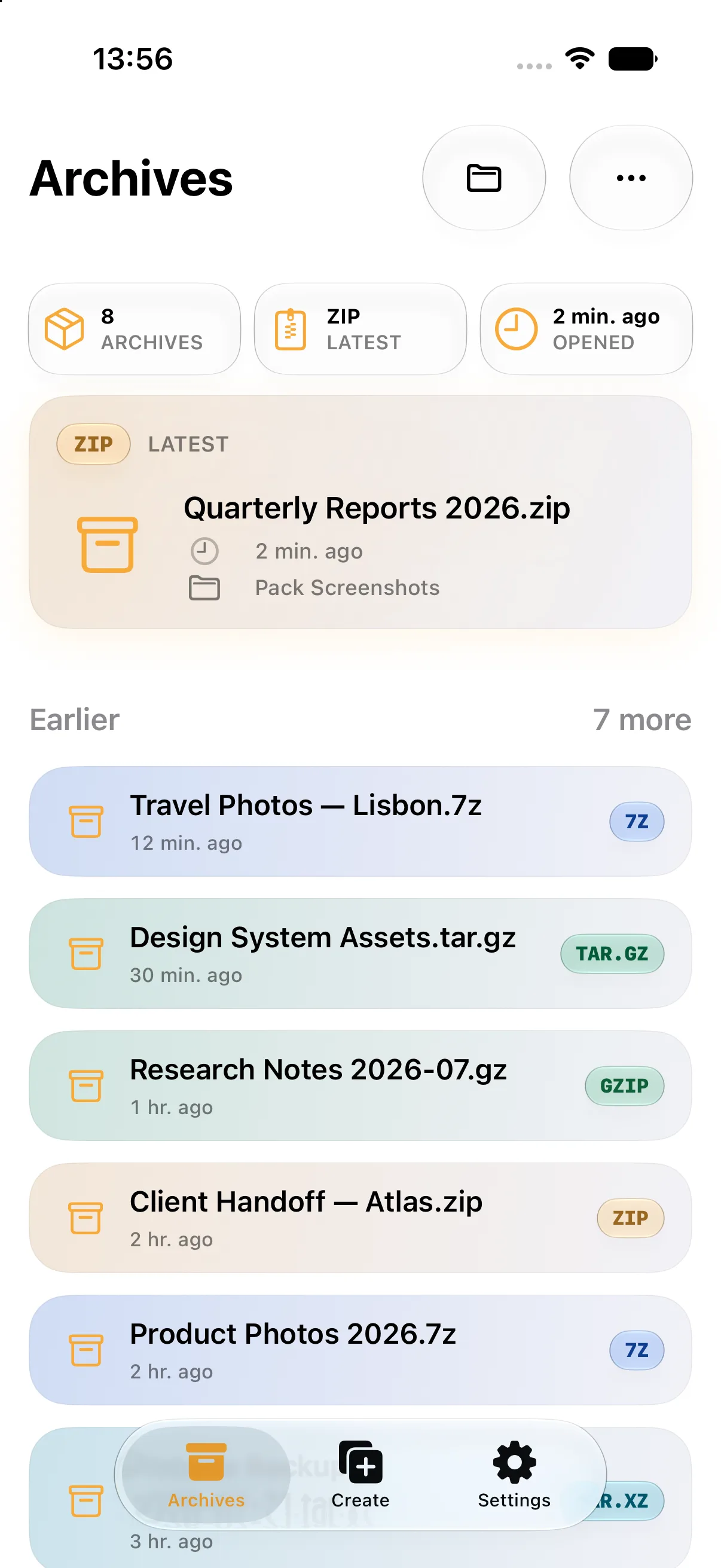
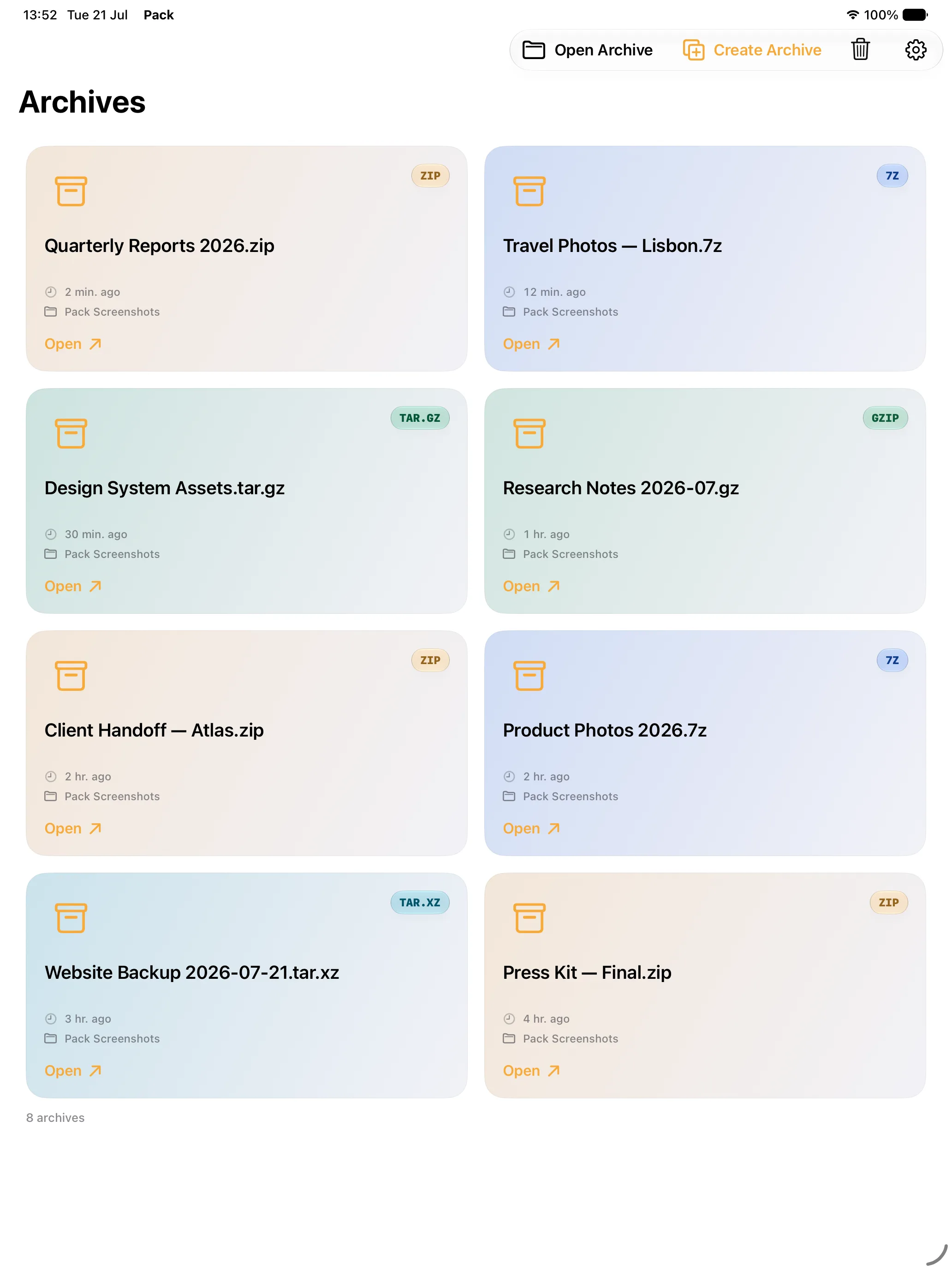
Open archives from Files or the share sheet, create archives with native pickers, and jump back to recent work from Pack widgets.
Format support
Free creation
Pack Pro creation
RAR support is read-only. Pack does not create RAR archives or open encrypted RAR files. DMG, XIP, ZSTD, Brotli, ARJ, ACE, and WIM are not advertised as supported.
Pack Free
Open, browse, and extract every supported archive family without upgrading to Pack Pro.
Pack Pro
08Create 7Z and the full TAR and stream-compression family when ZIP is not the right container.
Pack Pro also includes AES-256 protection for new ZIP archives and split-volume creation.
How Pack works
Choose an archive to inspect, or add files, folders, and photos to create a new one.
Browse entries before extraction, or choose a format, compression level, password, and split size.
Watch live progress, cancel when needed, and share the finished archive without routing its contents through a Pack server.
Why Pack on Mac
Pack complements the built-in Archive Utility with formats and controls that power users, developers, designers, and teams regularly need. Finder actions remove repetitive open-and-save steps, while Quick Look lets you inspect an archive before deciding whether it deserves a folder of its own.
Archive questions, answered
Pack opens and extracts 22 archive families: ZIP, 7Z, RAR, TAR, TAR.GZ, TAR.BZ2, TAR.XZ, GZIP, BZIP2, XZ, ISO, CAB, RPM, DEB, LZH, CPIO, XAR, LZMA, LZIP, MSI, CPGZ, and PAX. It also recognizes common ZIP containers such as JAR, IPA, APK, APPX, CBZ, DOCX, XLSX, and PPTX.
The free tier creates ZIP archives and can open, browse, and extract every supported archive family. You can inspect contents and extract one file, a selection, or everything without Pack Pro.
Yes. Pack can browse and extract standard RAR archives. RAR support is read-only: Pack does not create RAR archives, and encrypted RAR extraction is not supported.
Pack Pro creates eight advanced formats: 7Z, TAR, TAR.GZ, TAR.BZ2, TAR.XZ, GZIP, BZIP2, and XZ. It also adds AES-256 password protection for newly created ZIP archives.
No. Archive browsing, creation, extraction, password handling, and supported name suggestions run on your device. Pack requires no account and contains no analytics or tracking SDKs.
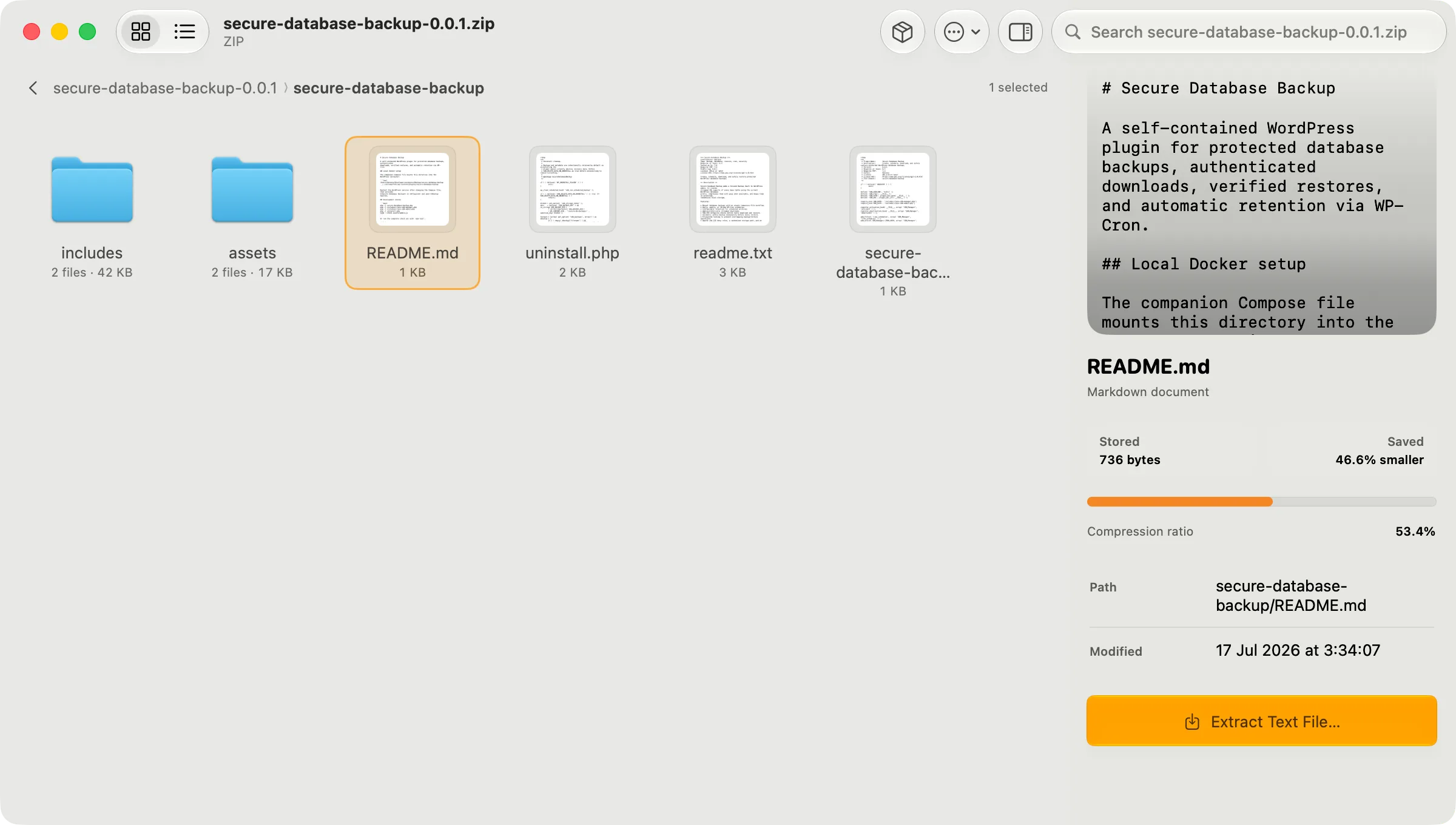
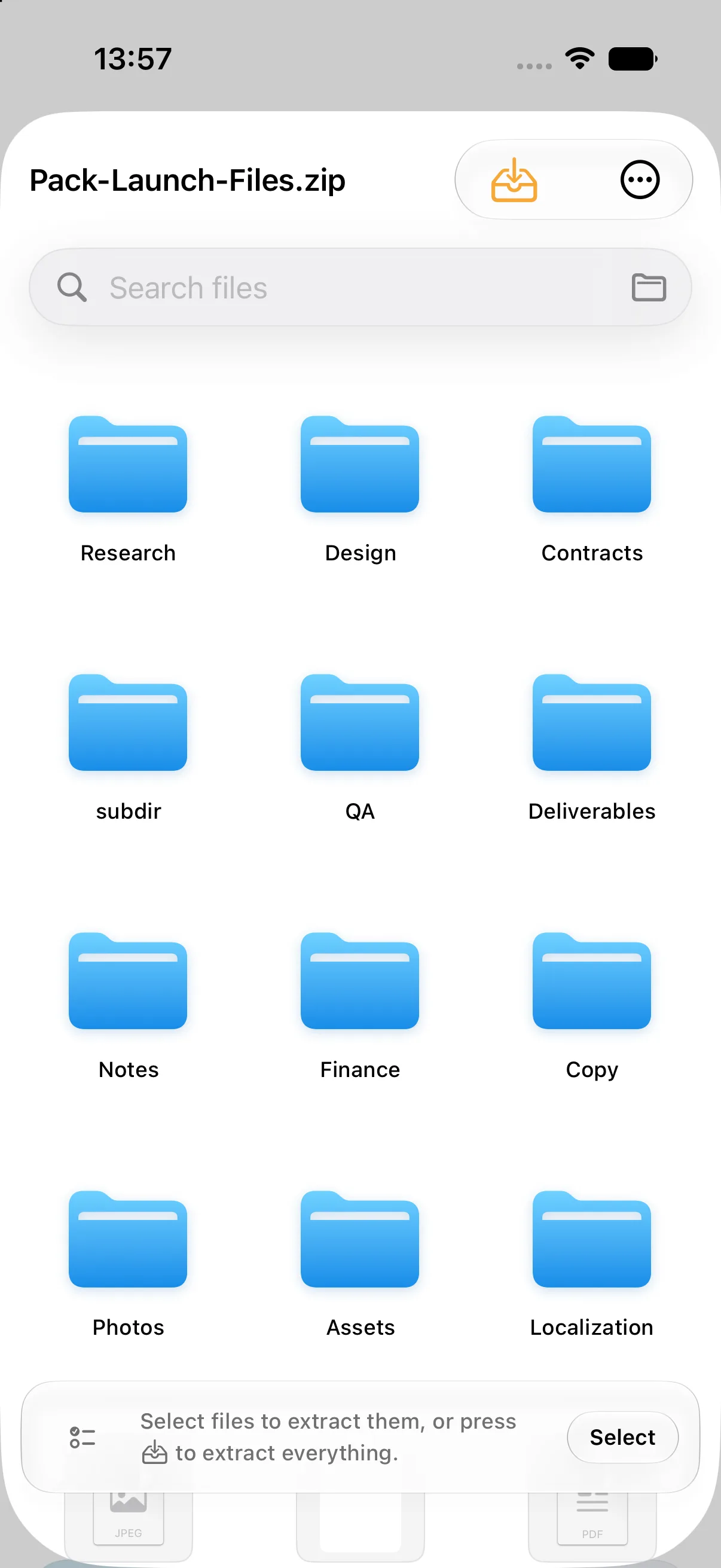
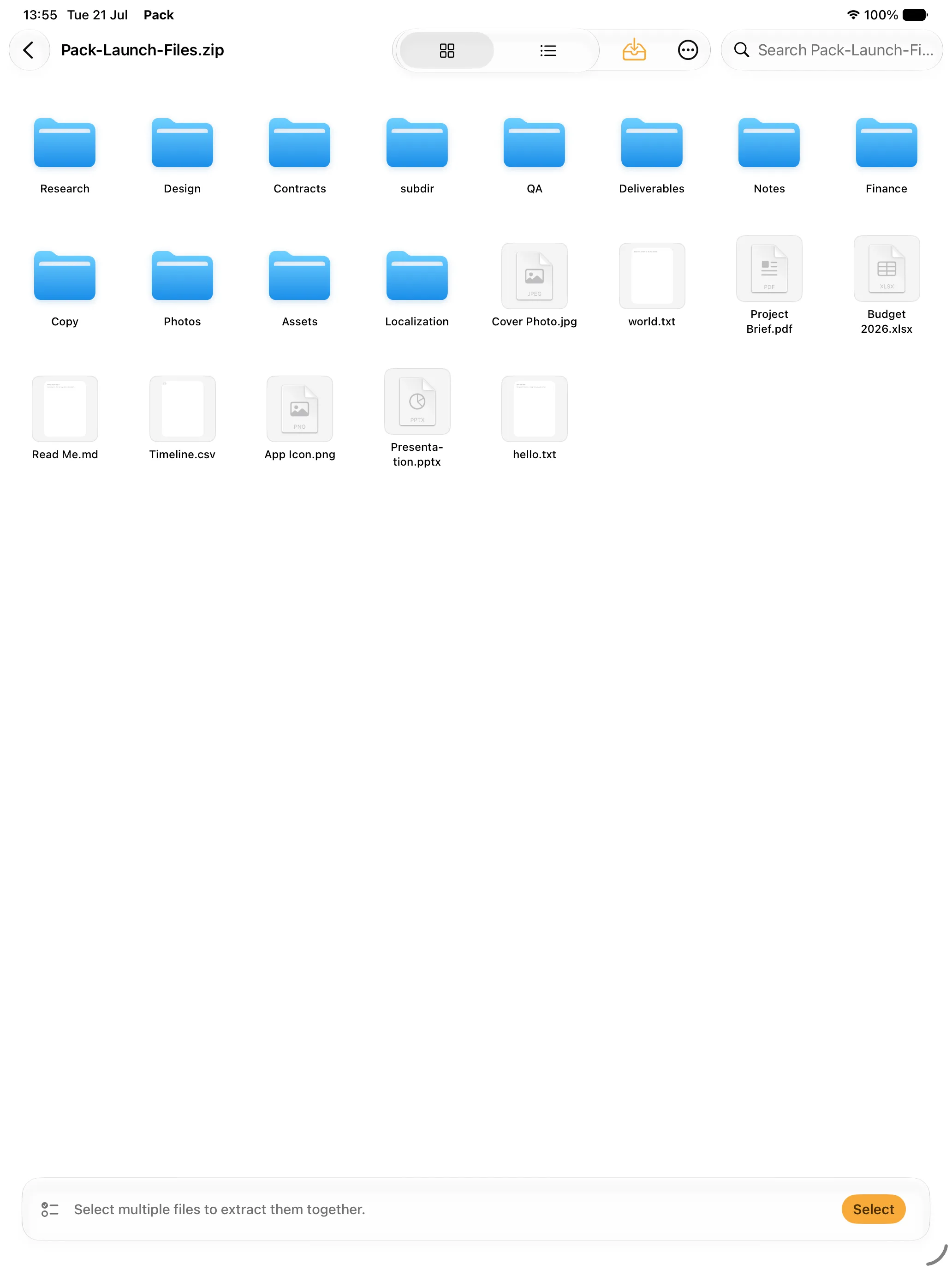
Yes. Pack can preview text, images, PDFs, hexadecimal data, and secure folder summaries before extraction. On Mac, its Quick Look extension also lets you inspect archives with the Space bar.
Yes. Pack Pro can create split-volume archives with email, FAT32, and custom-size presets. Pack detects and reassembles supported volume sets when you extract them.
Yes. Pack has native workflows for macOS, iOS, and iPadOS. On iPhone and iPad, you can open archives from Files or the share sheet, create archives with system pickers, and use widgets for quick access.
The app, in the open
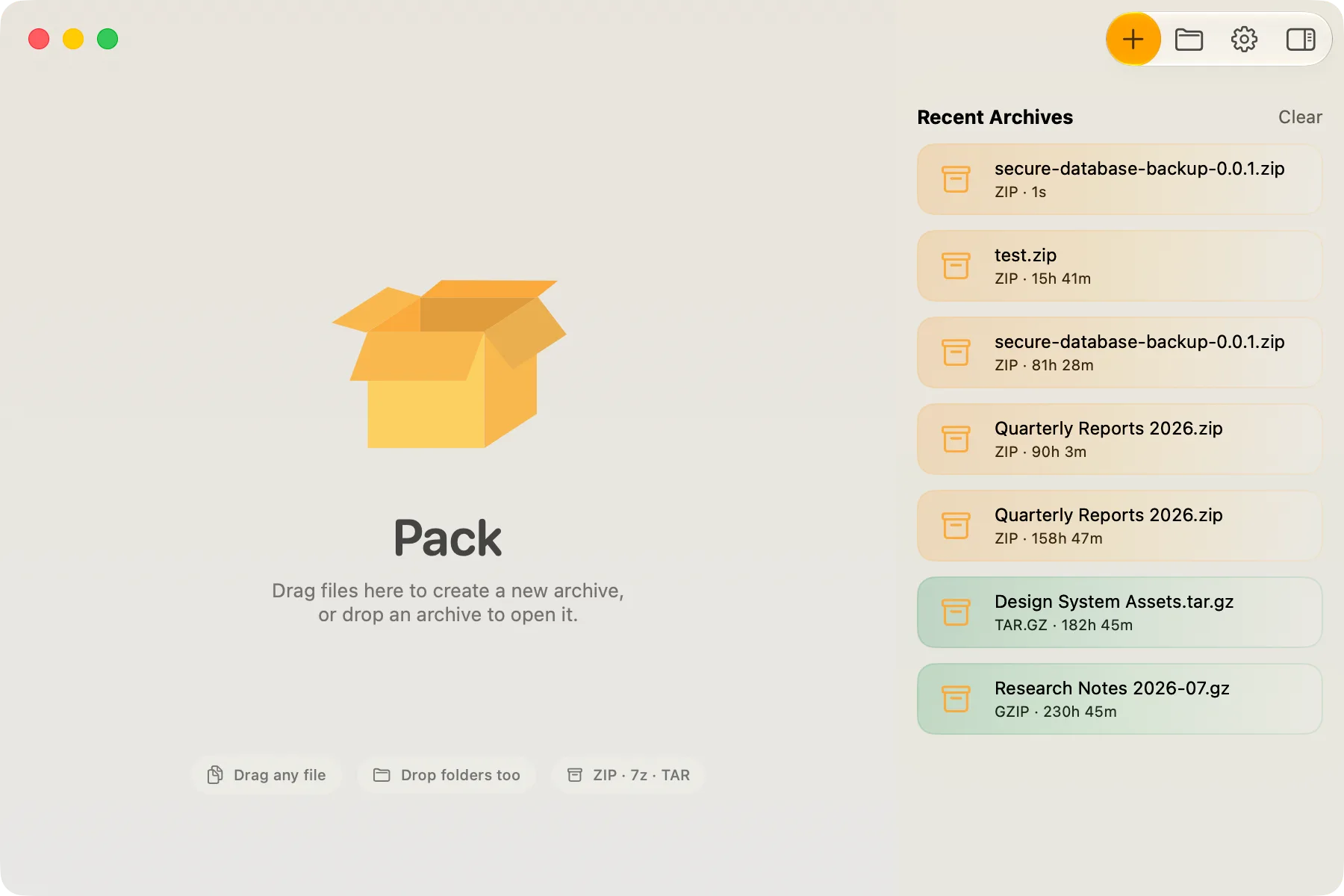
See recent work at a glance, inspect archive contents before extraction, and move between Mac, iPhone, and iPad without learning three different tools.
The interactive box needs WebGL.